Teach a digital workforce
how your work gets done
From teaching and memory to teamwork, execution, governance and improvement — each capability is designed around complete business delivery.
Availability varies by platform, system permissions and configuration.
Teach it like a new teammate — without rebuilding your work as a flowchart
Can I explain rules, provide examples and correct mistakes directly?
Describe goals, rules and acceptance criteria in natural language. Keep task context, durable rules and reusable capabilities separate so learned methods remain inspectable and maintainable.
- Describe goals, rules and boundaries in natural language
- Add examples and corrections as the work evolves
- Separate task context, durable rules and Skills
Show it: create an agent, edit persona and principles, then reuse the rule in a later task.
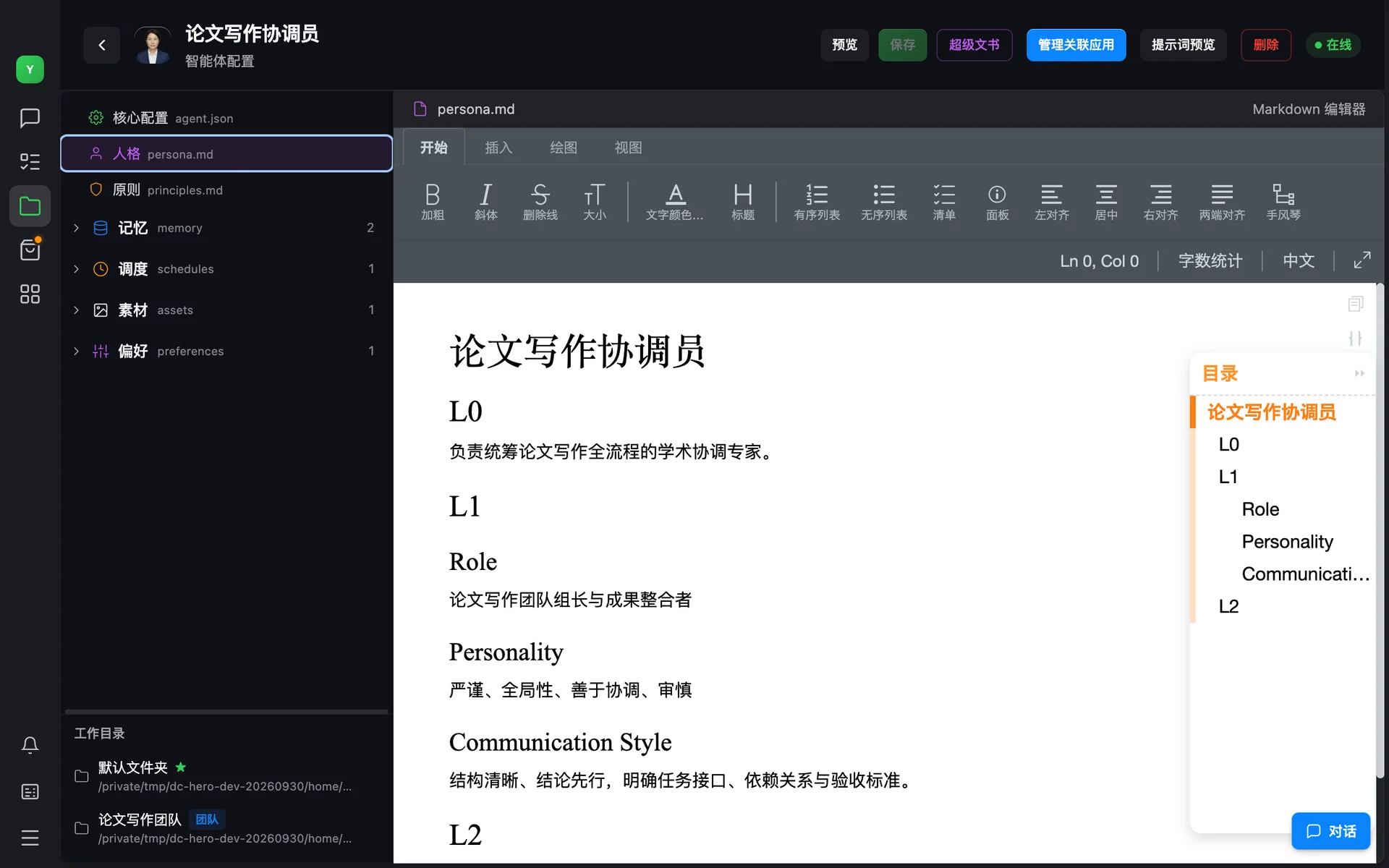
Turn identity, rules, knowledge and capabilities into manageable assets
Does what I teach survive beyond the current task?
AgentFS organizes identity, principles, memory, Skills, Tools, Workflows and resources as clear file-based assets for inspection, migration and versioning.
- Identity and principles define durable boundaries
- Memory and business material stay in explicit scopes
- Skills, Workflows and versions remain reusable
Show it: AgentFS explorer, memory entries and file-based capability folders.
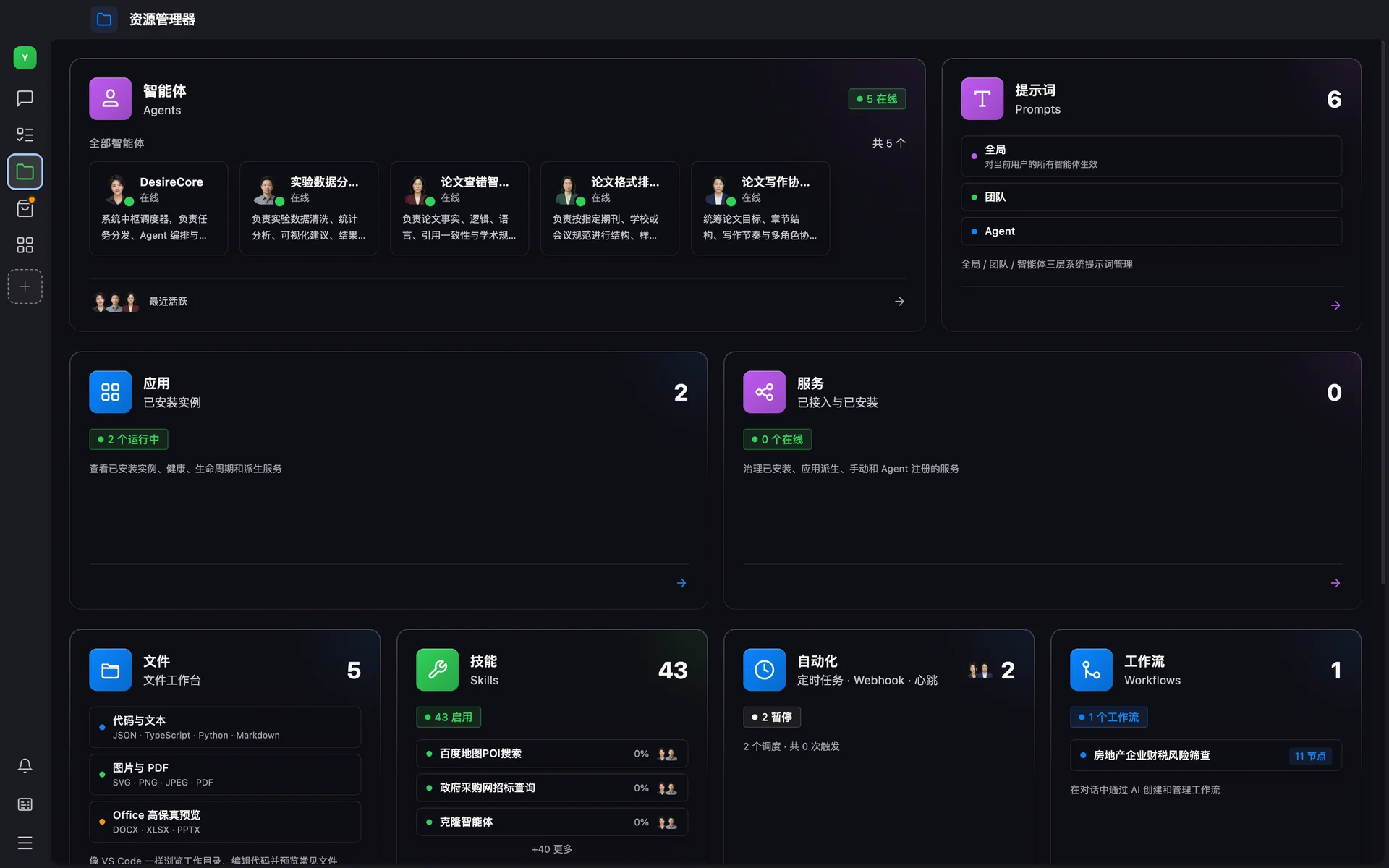
Every agent has its own role, assets and collaboration boundary
Is multi-agent work temporary fan-out, or a team that can keep working?
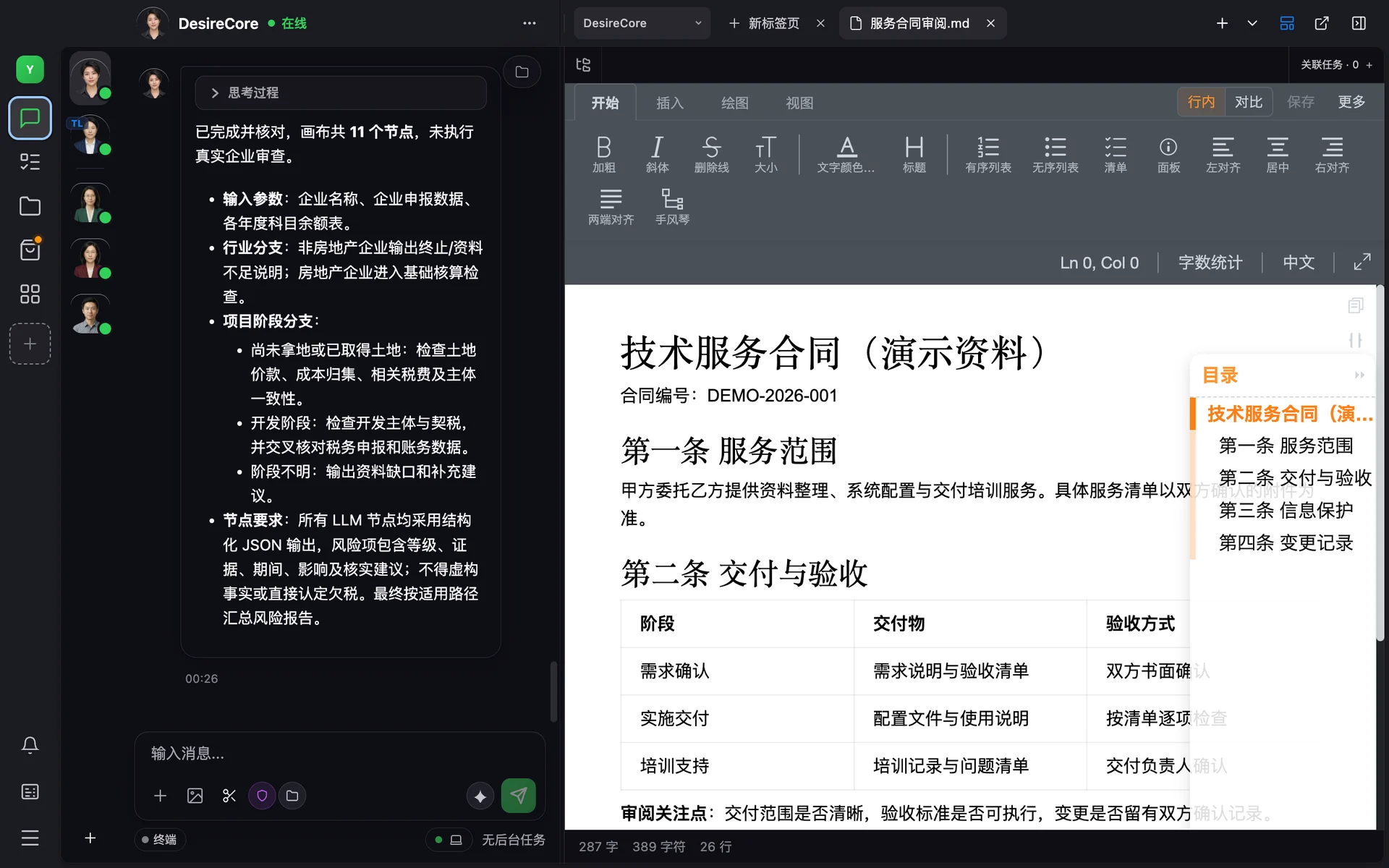
Persistent agents can keep their own identity and AgentFS, then collaborate through delegation, messaging, handoff and review. Ephemeral workers remain useful for one-off expansion.
- Persistent members and temporary workers serve different jobs
- Parallel work, delegation, handoff and review
- Explicit team roles, workspaces and capability boundaries
Show it: team members, supervisor relationships, delegation and parallel execution.
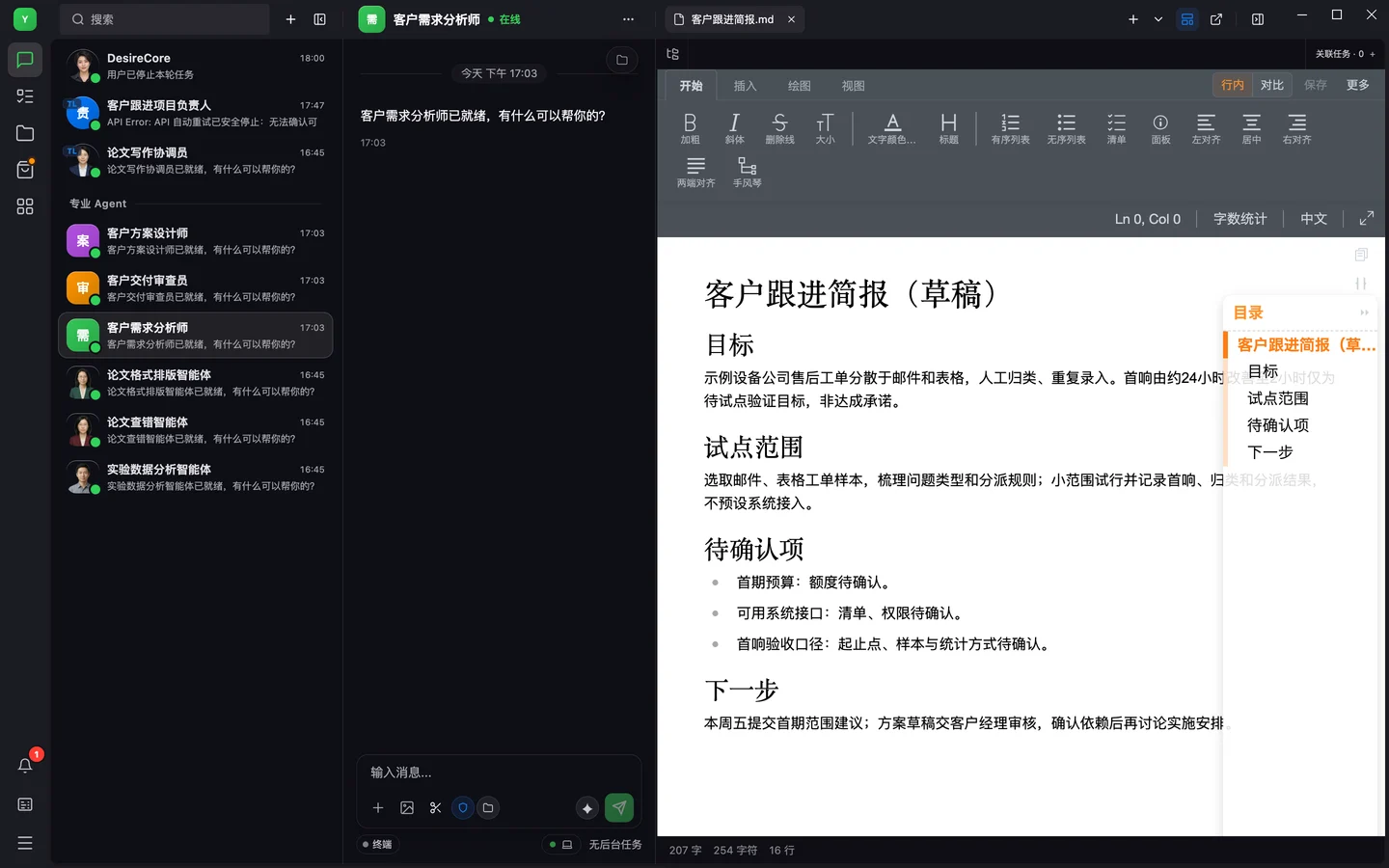
Enter the real work environment and carry tasks through delivery
Can it work with files, websites and desktops — not just produce content?
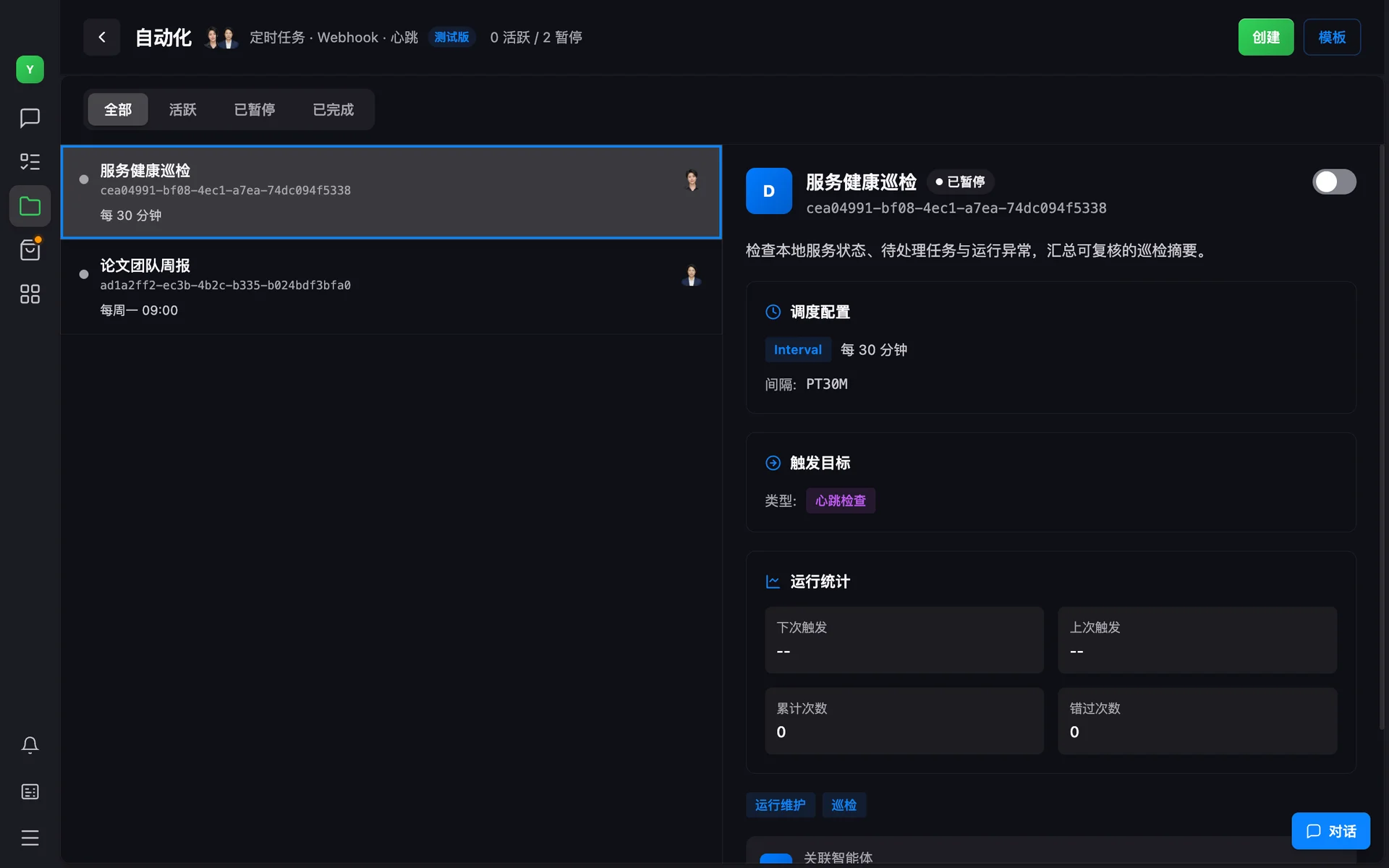
Within the user-approved scope, connect local files, the browser, desktop GUI, Tools, MCP and APIs so agents can act inside real workflows.
- Files and local workspaces
- Browser, desktop GUI and tool execution
- Scheduled work, long-running work and verified integrations
Availability depends on OS permissions, connectors and deployment environment.
See each step, gate critical actions and recover from failure
How do I constrain agents and handle exceptions in real business work?
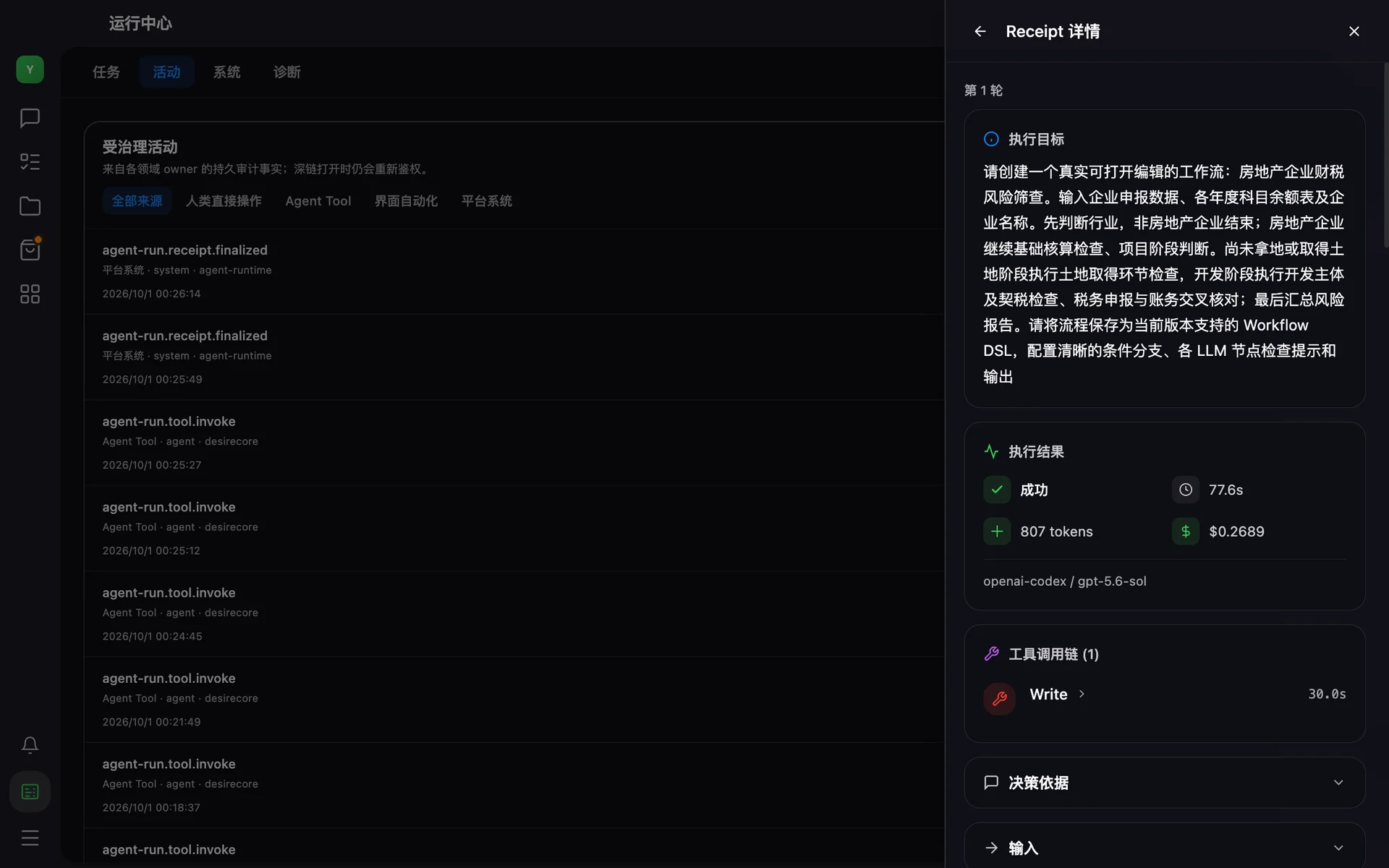
Use tool and file scopes, execution approvals, activity records, Checkpoints and receipts to establish control. Recovery granularity depends on the task and configuration.
- Inspect activity and critical operations
- Route sensitive actions to human confirmation or policy blocks
- Use retries, Checkpoints and receipts to diagnose and recover
Show it: approval cards, audit details, task state and recovery records.
Keep successful methods and carry failure lessons forward
How does experience enter the next task instead of starting over?
Turn feedback, receipts and proven methods into memory, rules, Skills or Workflows, then manage change through versions and evaluation. Automation depends on configuration.
- Extract reusable experience from completed work
- Store methods as memory, rules or workflows
- Control change through versions, evaluation and human review
Recommended proof: before/after diff, version record and reuse in a later task.
Capabilities form a continuous loop, not a row of buttons
From intake to experience return, every step has explicit inputs, system actions and human boundaries.
- 01Intake
- 02Understand
- 03Plan & Assign
- 04Execute Tools
- 05Human Gate
- 06Deliver
- 07Return Experience
From source material to reviewable deliverables
Train your first agent.
The OS is free forever, with built-in free compute*. Download and start now.
* Free compute is not a service commitment and may be paused due to partner capacity limits.